Generate Code
Turn instructions into working code and move from an idea to an implementation inside your project.
Meet Sharuma AI — your intelligent coding assistant that helps you build, understand, debug and improve software directly from your desktop.
Windows 10/11, 64-bit · Internal beta · No payment required to start
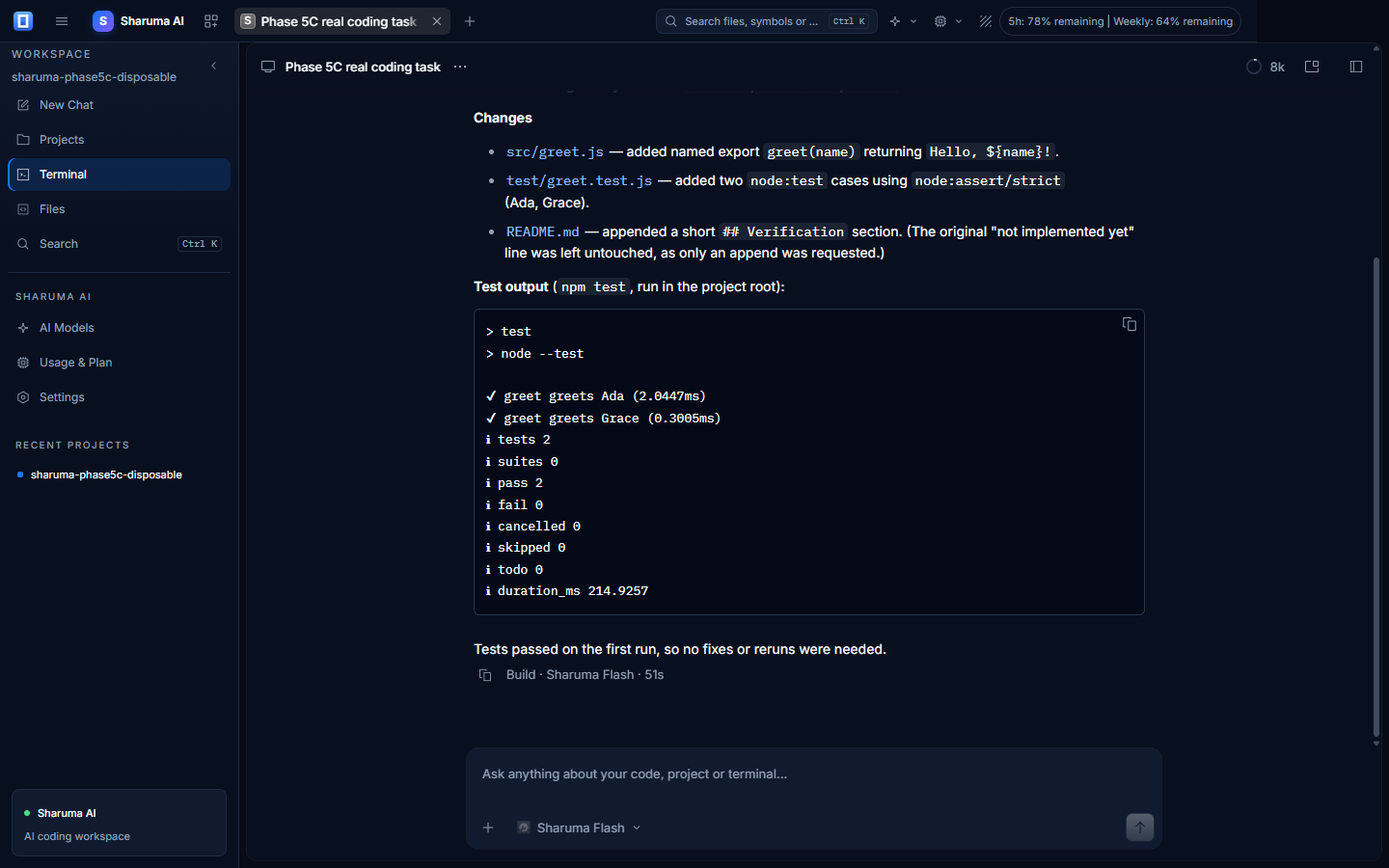
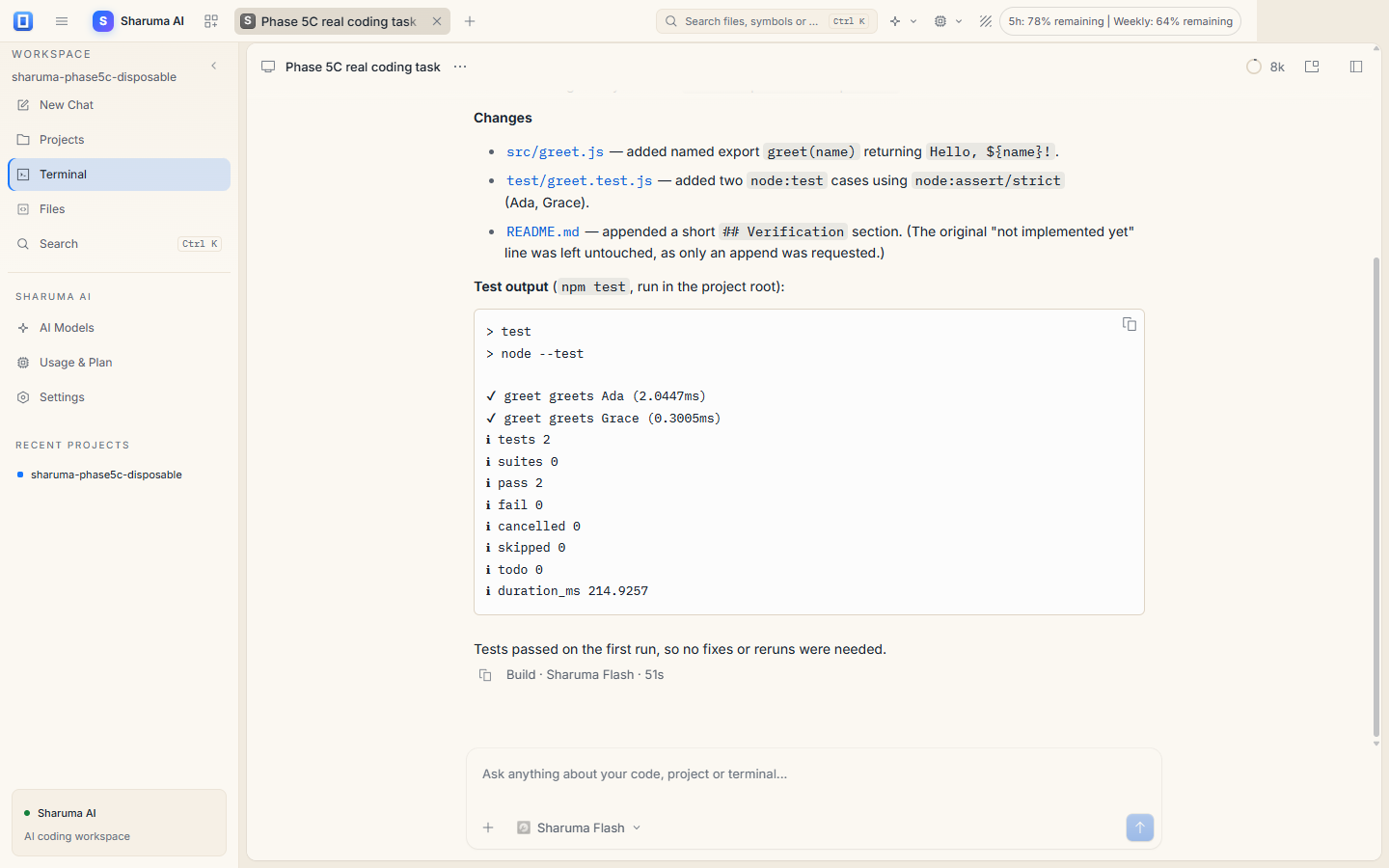
A focused coding workspace
Sharuma AI combines a conversational coding assistant with the local files and terminal you already use. The model is commercial; the project remains yours.
Turn instructions into working code and move from an idea to an implementation inside your project.
Explore an existing codebase, trace how pieces connect and ask for an explanation before changing anything.
Run local commands and development tools with your approval, then feed the results back into the session.
Create files, update existing code and refactor project files through the desktop coding agent.
How it works
The desktop app and Sharuma service work together. Account state, plan access and usage limits are kept accurate and transparent.
Install the Windows desktop application.
Sign in securely and authorize this device.
Verify your email and activate the 24-hour trial explicitly.
Ask Sharuma AI to work on a project.
Sharuma models
Choose the model that fits the task. Model availability and usage limits are part of your Sharuma plan.
Fast, economical model for everyday coding tasks.
Stronger reasoning for complex, multi-step engineering work.
Try it with a real project
Experience real AI-powered coding with limited free access. No payment required.
The trial starts only after account creation, email verification and explicit activation in the desktop app. It cannot be restarted by signing out, reinstalling or authorizing another device.
Windows internal beta