Project analysis
Explore files and project structure, trace behavior and understand an existing codebase before editing.
Sharuma AI desktop
Sharuma AI combines a commercial AI model with the local tools a coding task needs: project files, code editing and a terminal you approve.
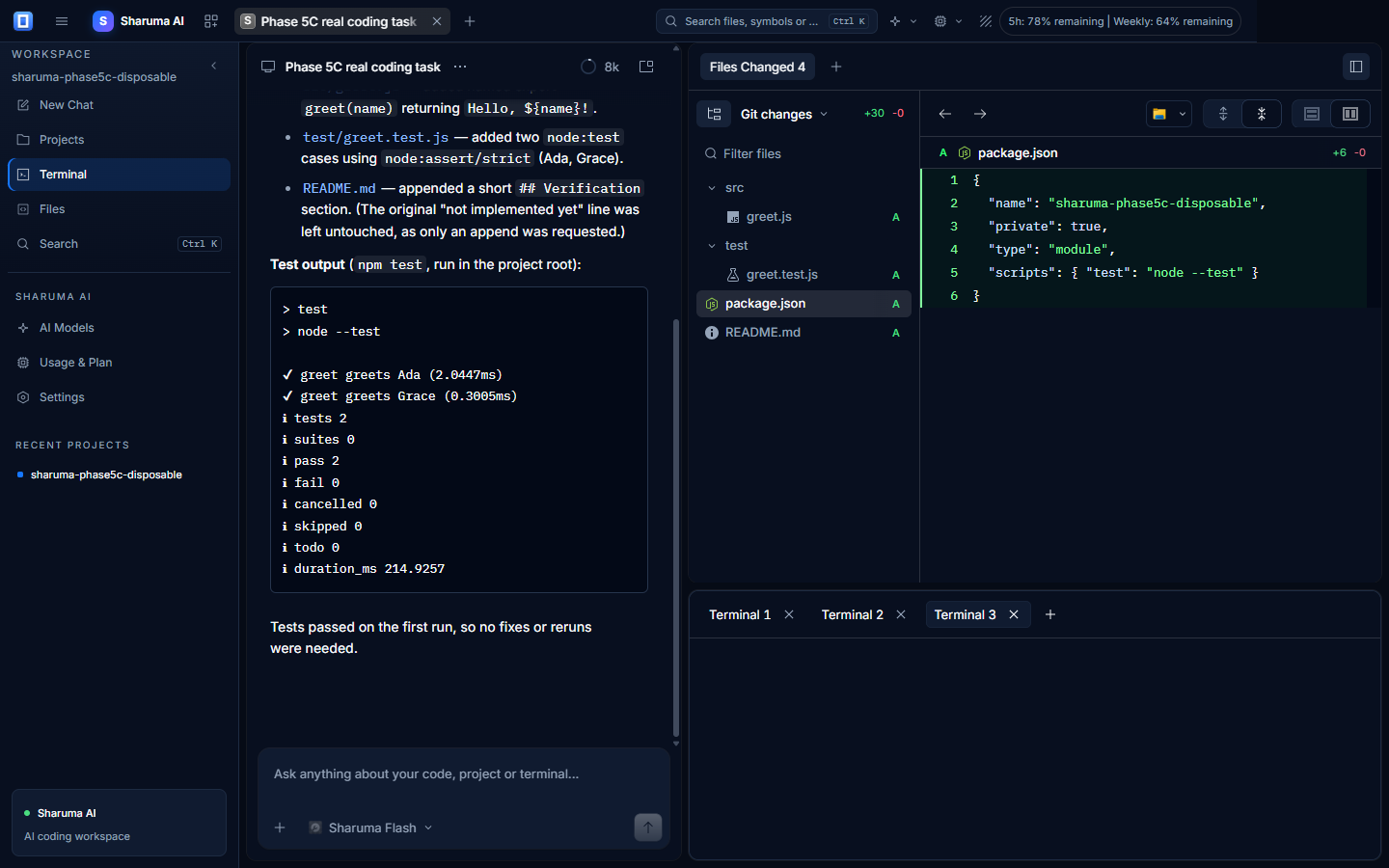
Implemented capabilities
These capabilities are delivered by the local coding agent and the Sharuma service. Product claims on this page reflect implemented behavior.
Explore files and project structure, trace behavior and understand an existing codebase before editing.
Turn instructions into implementation inside the project context, with the files available to the agent.
Create and modify project files through the desktop agent using the permissions you grant.
Run commands and development tools locally with explicit approval, then use the output in the next step.
Investigate failures, inspect relevant code and iterate on a fix with the terminal and test output nearby.
Generate and run tests as part of a coding task; failures can be fed back into the agent loop.
Restructure code and update the related files while keeping the work inside your local project.
Keep coding sessions and project context on the device, including across application restarts.
Local by design
The desktop application runs the coding engine locally. Authentication, subscription, usage accounting and model requests use the Sharuma service; source files and terminal commands remain on the device.
Clear plan access
The desktop displays authoritative usage values from Sharuma. Paid plan access and Free Trial limits are calculated and applied consistently.